
Group Consultation
How to use a consultation group for consultation clients receiving professional consultation services together.
Use a consultation group when multiple consultation clients receive professional consultation services together.
Participants are clients of the consultation service. In this context, they are receiving consultation rather than psychotherapy.
If the group is a workshop, training, coaching group, relationship skills group, or another group-format service that is not professional consultation, use a Workshop / skills group instead.
Use group consultation when the group needs scheduling, attendance, billing, secure communication, documents, and consultation notes without psychotherapy-specific workflows such as diagnosis, treatment plans, insurance claims, or superbills.
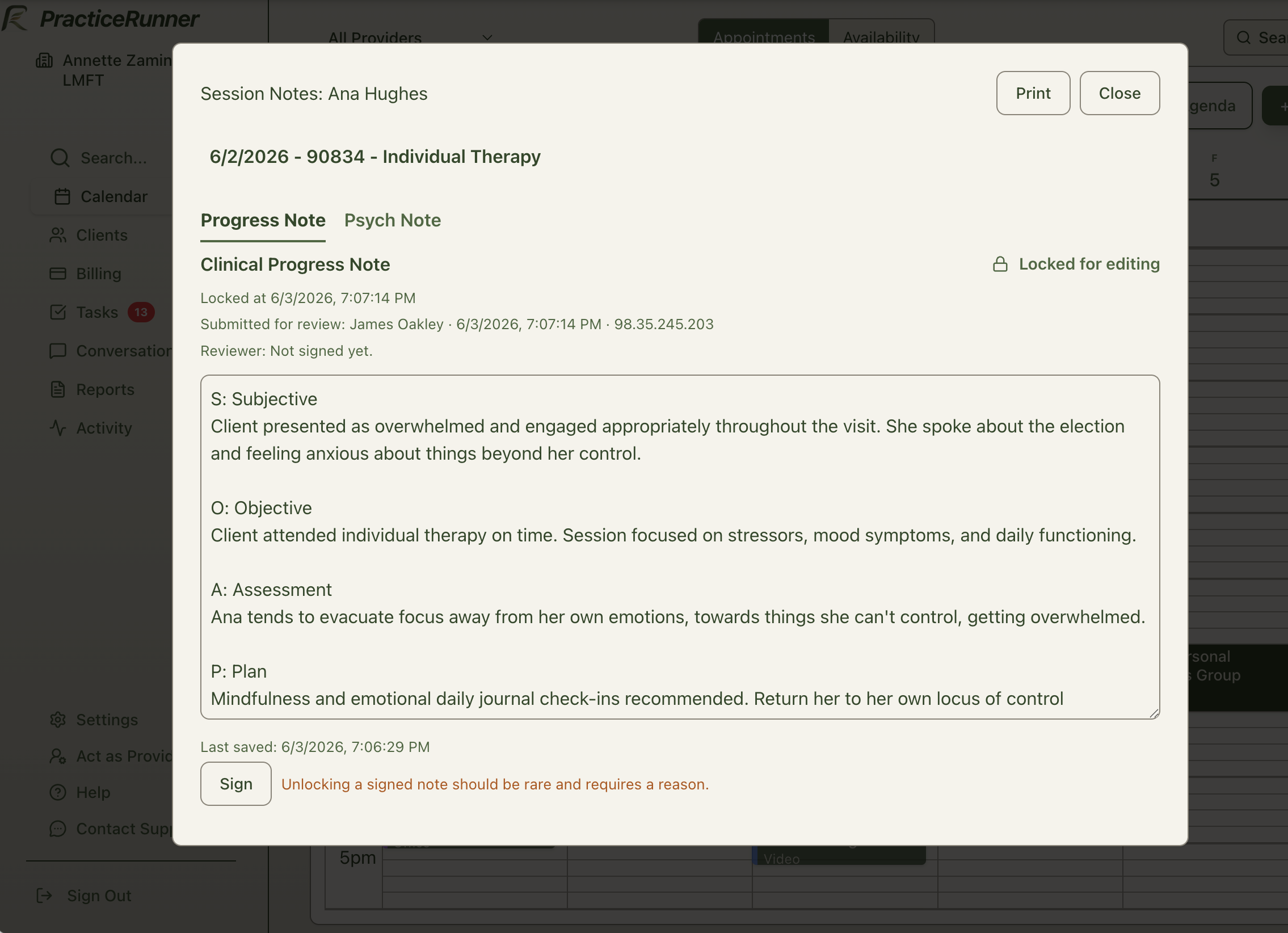
What group consultation supports
A consultation group can support:
- recurring consultation appointments
- Session Workspace for preparation, source material, and group consultation notes
- participant attendance
- invoices
- payments and automatic payment collection
- receipts
- secure messages and emails
- consultation agreements or other consultation-specific forms
- consultation notes or group consultation notes
- participant-specific billing contacts when needed
- portal access when appropriate
Create a consultation group
To create one:
- Open Cases.
- Choose New client or case.
- Select the group option used for consultation groups in your setup.
- Add consultation clients.
- Name the consultation group.
- Review billing responsibility and create the case.
After creation, manage participants, billing contacts, services, appointments, messages, and notes from the case.
Scheduling and attendance
Schedule consultation appointments from the calendar or from the case.
Open a consultation-group appointment in Session Workspace to review the case context, use source material, join an available telehealth link, and write or review the group consultation note. Invoices and payments remain available elsewhere in PracticeRunner rather than inside Session Workspace.
For group consultation, attendance is usually participant-level. One participant may miss a consultation appointment without canceling the entire group appointment.
Use consultation language where type-specific copy appears, such as:
- consultation appointment
- consultation client attendance
- consultation group
- group consultation notes
Associate supervision
Group consultation can be used for supervision of multiple associates. In that setup, the associates are consultation clients, not clients receiving therapy.
Use the consultation group to schedule supervision meetings, track attendance, send consultation-specific documents, collect any needed agreement, and keep group consultation notes about the supervision relationship. This is separate from the associates’ therapy cases, client diagnoses, CPT-coded client services, and supervisor review of client progress notes.
Billing and payments
Consultation groups use invoices and receipts by default.
Depending on the practice arrangement, the group may use:
- one billing contact for the group
- separate billing contacts for each participant
- participant self-payment
- a sponsoring organization or administrative contact, if configured as a billing contact
Use consultation language on invoice line items where possible, such as:
- Group consultation
- Consultation group
- Consultation services
- Group supervision consultation
In Settings → Services, use Consultation service for consultation groups, group supervision, and other paid professional consultation work. If the service is a free intake call or a paperwork-only item, use Free call, paperwork, or non-session item instead.
If your practice uses a Clinical Supervision service for associate supervision, you can create it from Settings → Services as needed. A setup template is available, and the fee can be set according to your professional agreement and practice policy. The fee can be zero when supervision is included in employment, contractor, or training arrangements, or it can be billed according to the practice’s supervision policy. For group supervision, apply the billing setup consistently for the group or by participant, depending on how your practice handles supervision fees.
Participants or billing contacts can receive invoices and make portal payments when portal access and the billing arrangement are configured for them.
Do not use superbills or artificial CPT codes for consultation groups. Consultation services are paid professional services, not psychotherapy reimbursement workflows.
Notes
Use Consultation notes or Group consultation notes.
Consultation notes should not require diagnosis, CPT, treatment plans, mental status exam, or psychotherapy-specific metadata by default.
Useful group consultation note sections may include:
- consultation focus
- topics discussed
- group themes
- guidance or recommendations
- participant-specific follow-up items, if needed
- ethics or risk considerations, if relevant
- administrative notes
When participant-specific details are needed, keep them limited to what is useful for consultation documentation.
Documents and agreements
If your practice sends documents for consultation groups, prefer consultation-specific agreements and forms.
Consultation participants can use the client portal when portal access is enabled. Use Share Documents & Forms to send a specific request, such as a consultation agreement or payment authorization. Participants open the items from their request links. The portal does not currently provide a library of previously shared documents.
PracticeRunner includes a consultation agreement template that uses document template variables. When the agreement is delivered to participants, variables can fill in details such as the practice name, provider, participant or recipient name, case name, service, fee, cancellation notice, and payment terms. This helps keep the agreement useful over time without editing the document for each participant, and it is especially helpful when a group practice has multiple clinicians.
A consultation agreement may explain:
- there is no psychotherapy relationship
- confidentiality limits within the group
- how clinical material should be de-identified
- payment and cancellation terms
- the distinction between consultation, supervision, coaching, and therapy
- that each consultee remains responsible for their own clinical and legal decisions
Avoid psychotherapy consent forms or intake packets unless the practice has configured a consultation-specific version.
Portal and communication
Portal access can be used when appropriate for each participant or billing contact.
Consultation-facing portal and email copy should use terms such as:
- Your consultation appointments
- Consultation invoices
- Consultation forms requests
- Messages
- Payment method
Avoid psychotherapy-client, diagnosis, symptoms, treatment plan, insurance claim, and superbill language for consultation groups.
What is hidden by default
Consultation groups should hide or avoid:
- diagnosis panels and diagnosis requirements
- treatment plans
- insurance setup and claim submission
- superbill generation
- psychotherapy intake packets
- presenting-problem or symptoms language
This keeps consultation groups available for scheduling, billing, communication, and documentation without treating the consultation relationship as psychotherapy.